Restow
Wholesale distribution software

Every order.
Every unit.
In its place.

Inventory management, sales orders, and purchasing software for wholesale distributors. See how it fits together on the warehouse floor.

Browse the product films
The daily overview film, featuring Restow on a laptop
Watch the filmThe daily overview
Restow in action

The product films.

Choose a workflow for a guided look inside Restow, filmed with sample data.

0:28

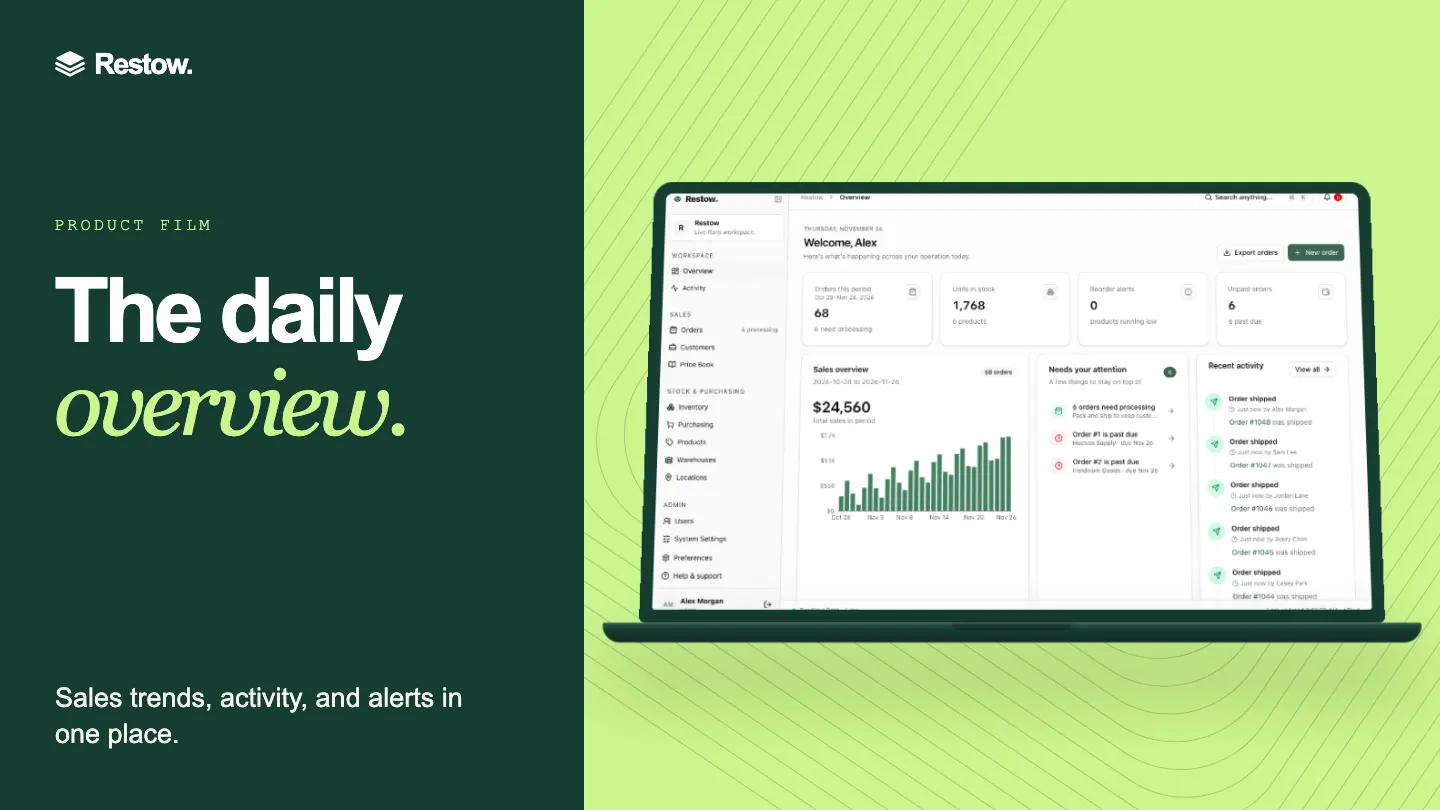
The daily overview

Sales trends, activity, and alerts in one place.

Read the walkthrough
  1. Read the daily sales picture Compare order volume, sales and available stock.
  2. Trace a change Follow a shipment back to its order and the person who updated it.
  3. Review notifications Read new updates and clear the ones you’ve handled.
  4. Find a record Search across the workspace to jump to a customer or product.
  5. Take orders into a spreadsheet Choose a date range and export the orders as a CSV.
0:28

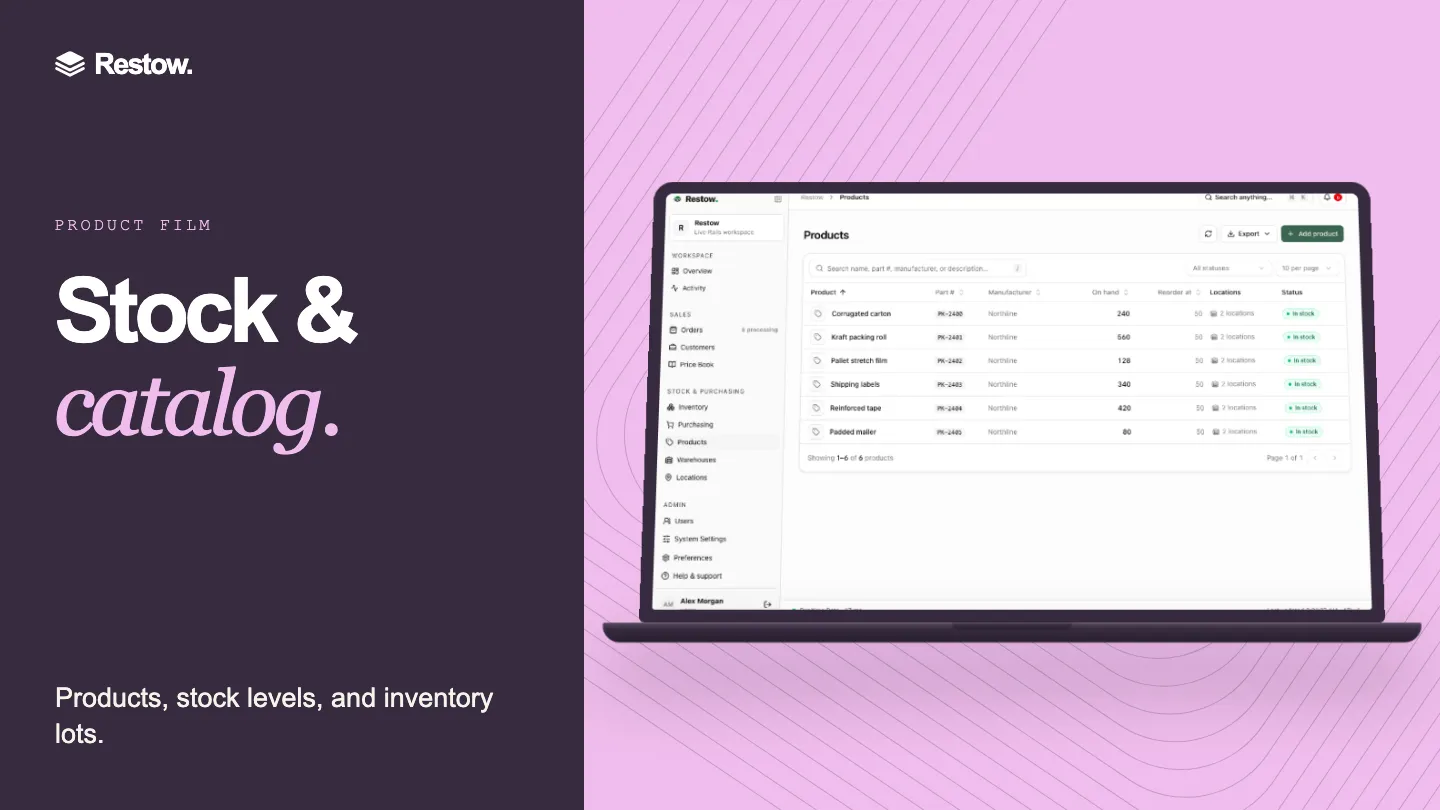
Stock & catalog

Products, stock levels, and inventory lots.

Read the walkthrough
  1. Scan the product catalog Compare part numbers, stock levels and reorder points.
  2. Define a product Enter the part number, manufacturer and minimum quantity.
  3. Look inside a product Check stock by location, purchase costs and customer prices.
  4. Find the physical stock Read each lot by product, location and quantity.
  5. Review inventory consolidation Preview which inventory rows can be combined.
0:33

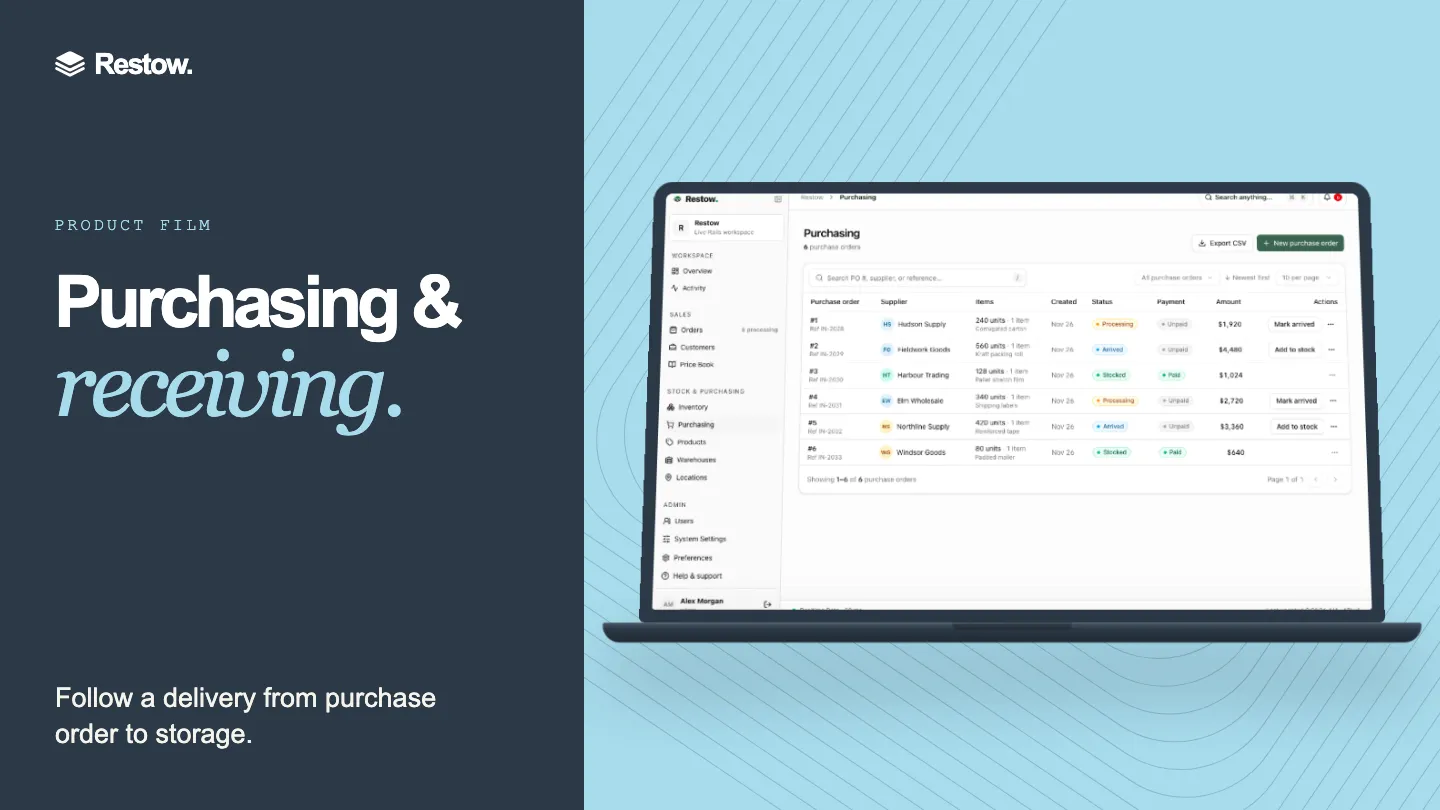
Purchasing & receiving

Follow a delivery from purchase order to storage.

Read the walkthrough
  1. Start a purchase order Choose the supplier and product, then enter units and cost.
  2. Track inbound purchases See which purchase orders are created, arrived or stored.
  3. Receive the shipment Follow the receiving action for an arrived purchase order.
  4. Open the warehouse directory See the facilities available to the receiving team.
  5. Locate the stock Map aisles, shelves and bins to their warehouse.
  6. Load locations in bulk Import a location file using the provided CSV template.
0:43

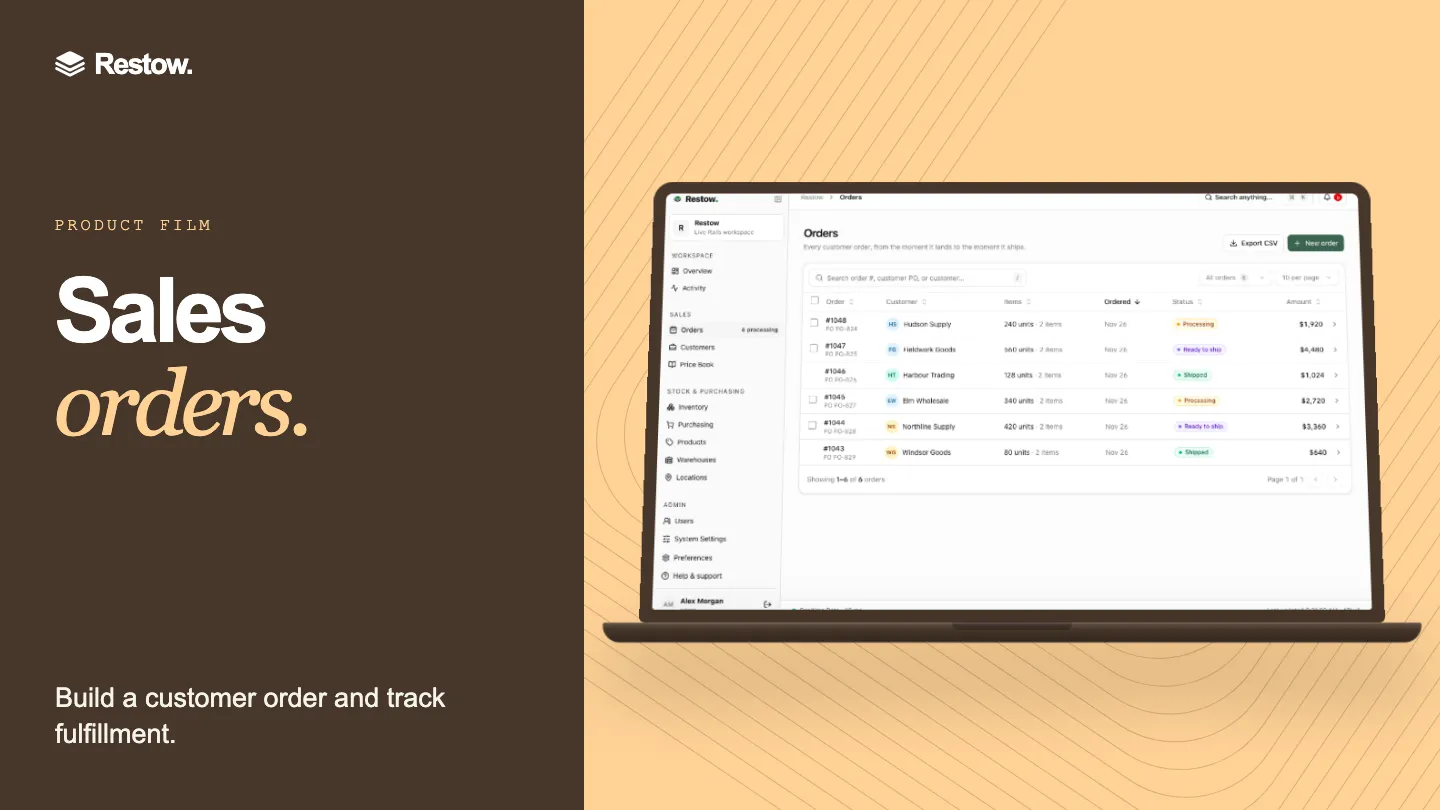
Sales orders

Build a customer order and track fulfillment.

Read the walkthrough
  1. Open the order book Review the customer, order amount and fulfillment status.
  2. Start a sales order Choose a customer and set payment terms.
  3. Add a stocked product Review inventory for the selected item and enter its selling price.
  4. Open the order detail Read the line items, payment terms and shipping notes together.
  5. Mark the order packed The timeline records packing and makes the shipment action available.
  6. Prepare the paperwork Choose an invoice, an internal packing list or a list for each box.
  7. Track shipment and payment The order timeline shows when the goods shipped and payment was recorded.
  8. Export order history Choose the reporting period for the order CSV.
0:23

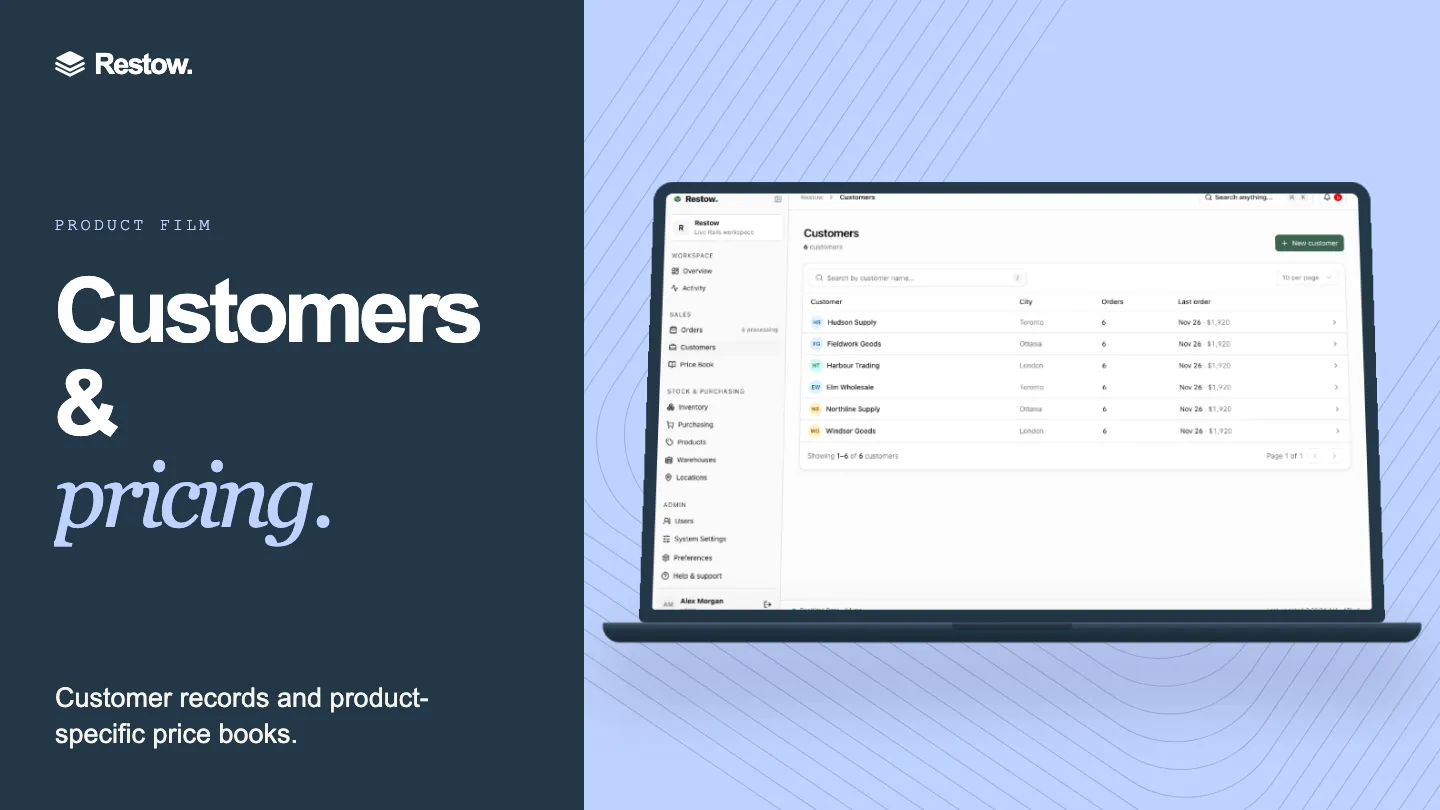
Customers & pricing

Customer records and product-specific price books.

Read the walkthrough
  1. Find the customer Review accounts, cities and order activity in the customer directory.
  2. Open the account Review the customer’s orders, current prices and shipping addresses.
  3. Check a customer’s price Compare buying and selling prices by customer and product.
  4. Bring in negotiated prices Choose a customer and import their price list from CSV.
0:28

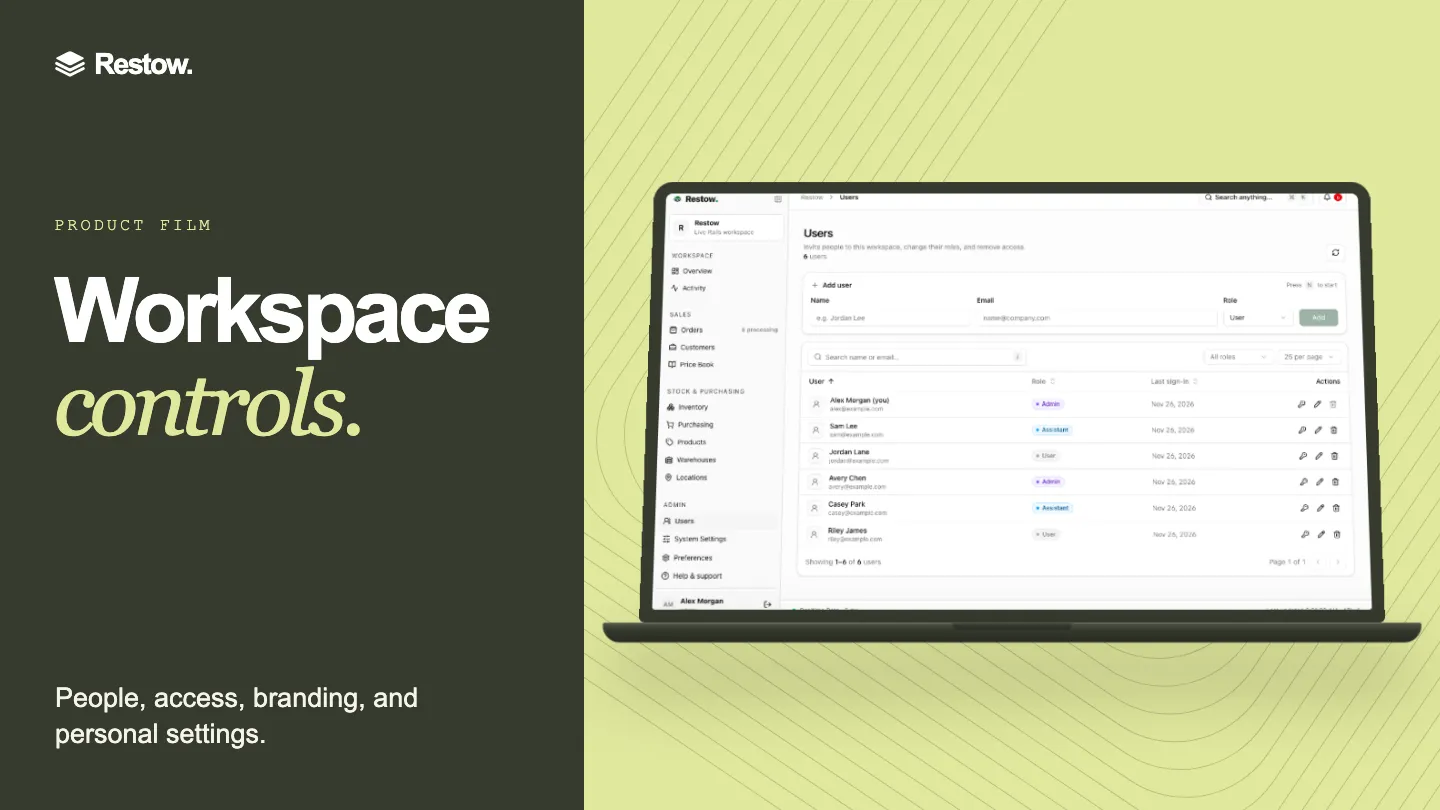
Workspace controls

People, access, branding, and personal settings.

Read the walkthrough
  1. Manage workspace access Review users and assign the appropriate role.
  2. Brand your documents Set the company logo used on generated documents.
  3. Choose an appearance Select the color scheme and theme for your workspace.
  4. Maintain your account Update your profile or request a password reset link.
  5. Find product support Check the installed version and contact the support team.
Restow  /  Product films

Read the walkthrough
How it works

From receiving to fulfillment.

Receive stock

Track purchase orders and record incoming inventory at your warehouse.

Build the order

Select a customer, look up their price book, and add available stock to a sales order.

Follow it through

Track order status and payments from the same workspace your team uses for inventory.